Zepp watch faces
Install from the Zepp store or amazfitwatchfaces.com.
Sideloading is for testing or watches the stores don't offer. In the Zepp app, turn on Developer Mode (Profile → Settings → About, tap the Zepp logo 7 times), then Profile → your watch → Developer Mode → scan. A sideloaded face installs and works, but the Zepp app doesn't list it under Developer Mode, and it doesn't get store updates.
SEXTANT
v1.1.0
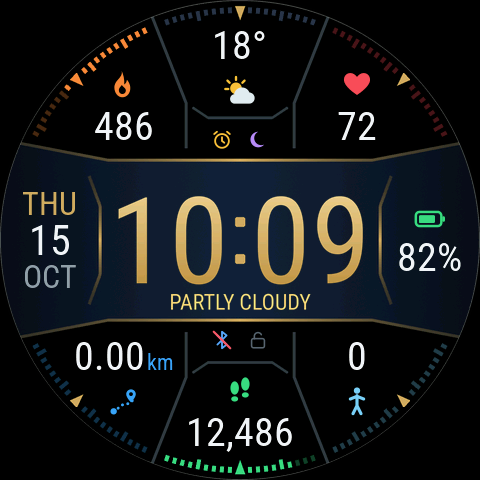
- Zepp store: in the Zepp app, search for “Sextant” in your watch’s watch face store
- Sextant on amazfitwatchfaces.com

TWISTED SEXTANT
v1.1.0
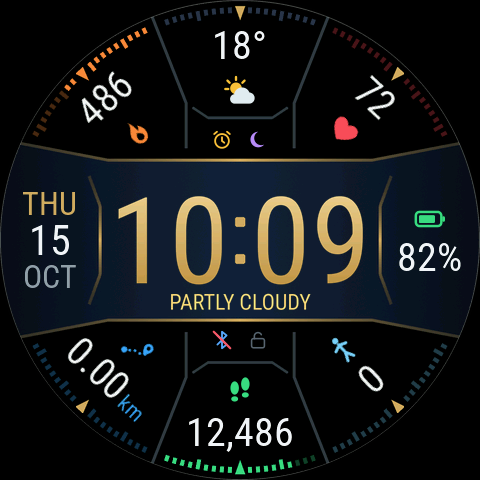
- Zepp store: in the Zepp app, search for “Twisted Sextant” in your watch’s watch face store
- Twisted Sextant on amazfitwatchfaces.com